Made with ❤️ for LinkedIn

Schedule LinkedIn Posts Effortlessly

Never miss posting at peak times. Schedule your LinkedIn content in advance and maintain a consistent presence that grows your network.

Free to start • No credit card required • 3 scheduled posts

Everything You Need to Succeed on LinkedIn

Powerful features designed for busy professionals

Smart Scheduling

Schedule posts at optimal times when your audience is most active. Set it and forget it.

100% Private

All your posts are stored locally on your device. No cloud servers, no data sharing.

Lightning Fast

No lag, no waiting. Schedule posts in seconds with our optimized Chrome extension.

Auto Posting

Posts are automatically prepared at scheduled times. One click and you're done.

Edit Anytime

Change your scheduled posts anytime before they go live. Full flexibility and control.

Dark Mode

Easy on the eyes with beautiful dark mode support. Works seamlessly day or night.

See It in Action

A powerful yet simple interface designed for productivity
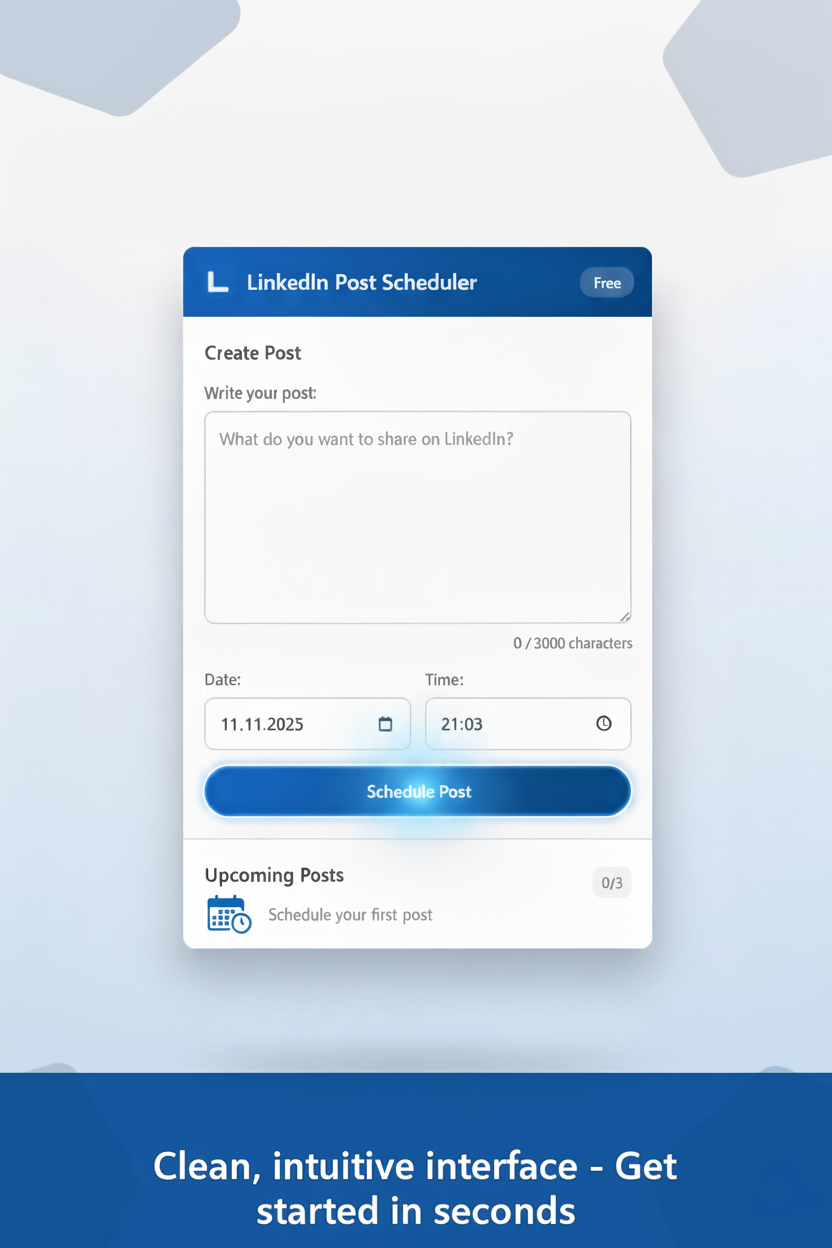
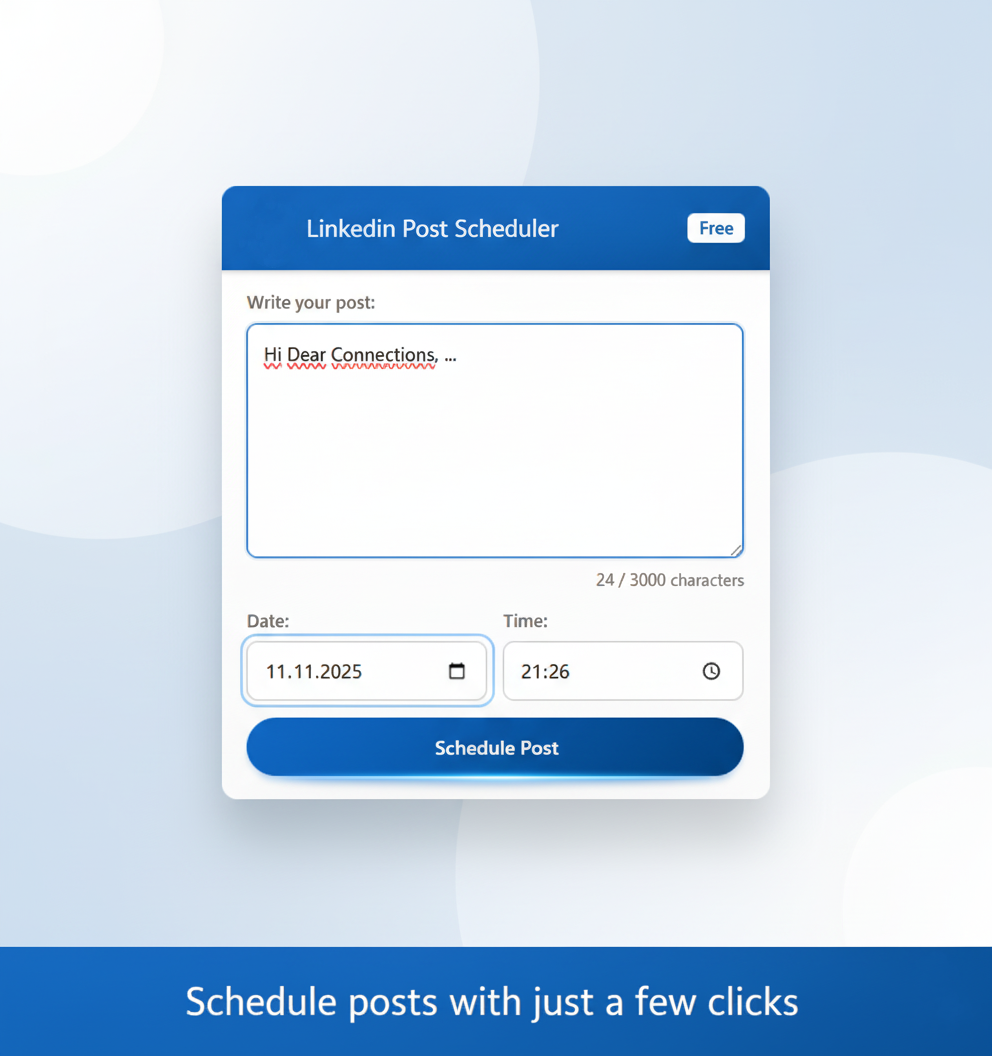
Schedule posts easily

Schedule posts with just a few clicks
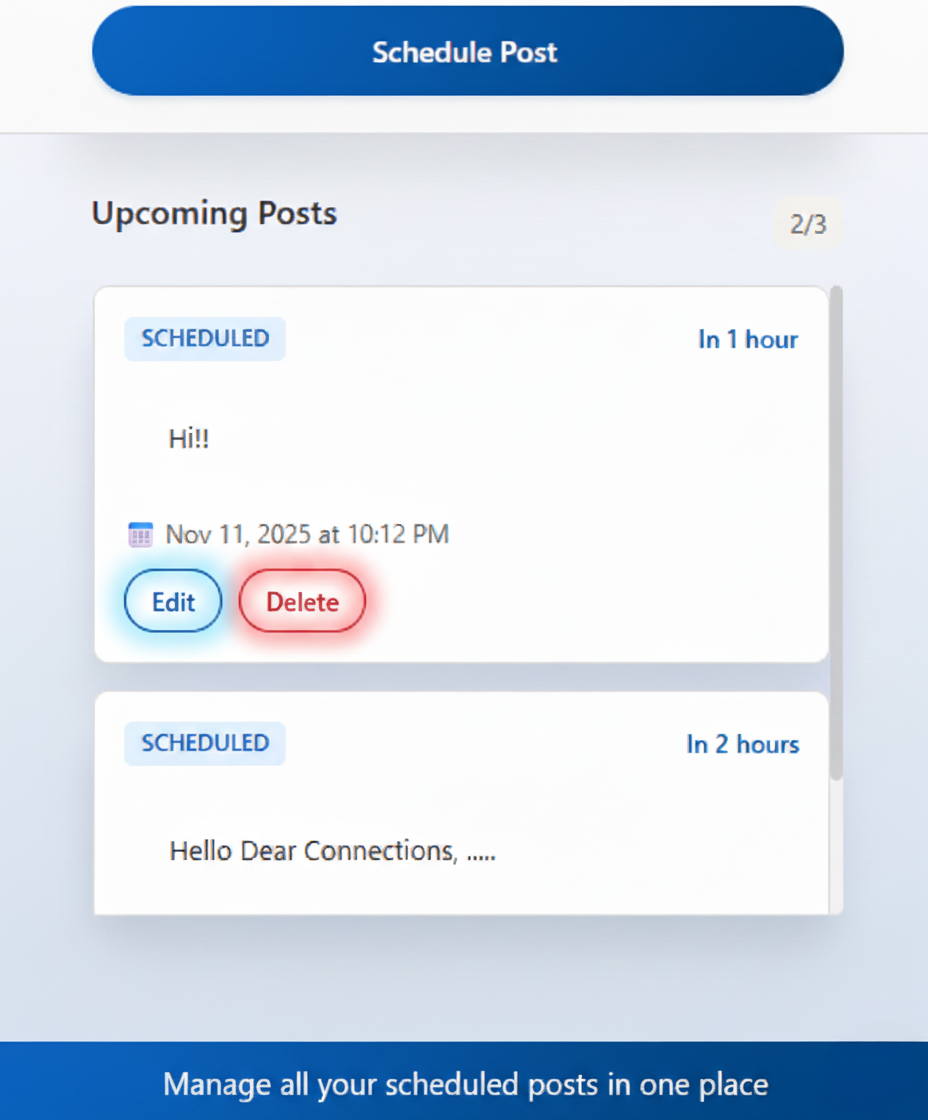
Manage scheduled posts

Manage all your scheduled posts in one place
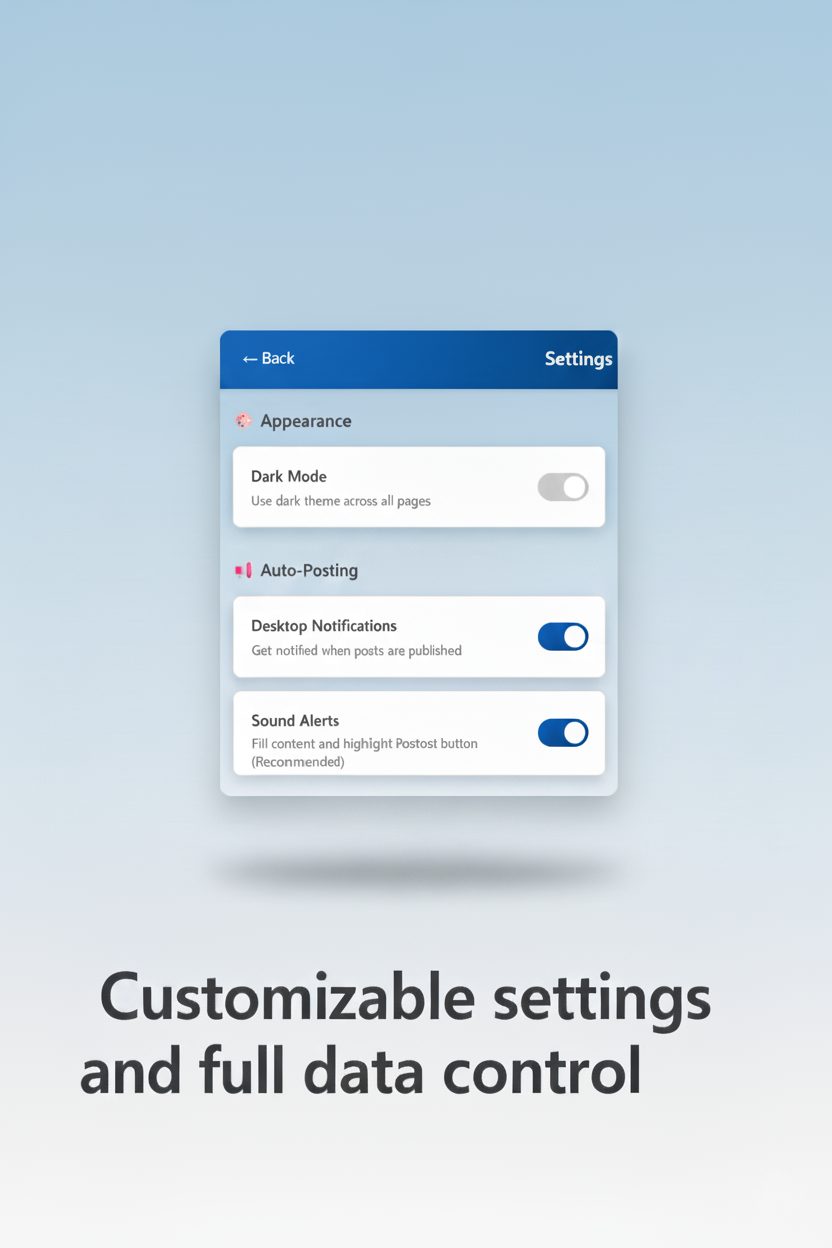
Settings and customization

Customize settings to fit your workflow
Pro features

Unlock unlimited posts with Pro

Simple, Transparent Pricing

Start free, upgrade when you're ready

Free

$ 0 /forever

Perfect for getting started

  • 3 scheduled posts
  • Smart scheduling
  • Local storage (private)
  • Dark mode
  • Community support
Get Started Free

Frequently Asked Questions

Everything you need to know

How does LinkedIn Post Scheduler work?

It's simple! Install the Chrome extension, write your post, choose a date and time, and click Schedule. When the time comes, the extension opens LinkedIn and fills in your post content. You just click "Post" to publish.

Is my data safe and private?

Absolutely! All your scheduled posts are stored locally on your device using Chrome's secure storage. We don't have servers, we don't collect your data, and we never see your posts. Your privacy is our priority.

Does it auto-post to LinkedIn?

The extension uses a semi-manual approach to comply with LinkedIn's terms of service. It opens LinkedIn, fills in your post content, and highlights the "Post" button. You just need to click it to publish. This keeps you in control and compliant.

What's the difference between Free and Pro?

Free lets you schedule up to 3 posts at a time, which is great for getting started. Pro gives you unlimited scheduled posts, priority support, and upcoming features like analytics. Pro is a one-time payment of $10 with lifetime access.

Can I edit or delete scheduled posts?

Yes! You have full control over your scheduled posts. Edit them anytime before they go live, or delete them if you change your mind. Your extension, your rules.

What if I'm not satisfied with Pro?

We offer a 30-day money-back guarantee. If you're not happy with Pro for any reason, just email us at madede2004@gmail.com and we'll refund you, no questions asked.

Does it work on mobile?

Currently, it's a Chrome extension for desktop/laptop computers. Mobile support might come in the future, but for now, you need Chrome on a desktop to use it.

How do I get support?

Free users can reach out via email at madede2004@gmail.com. Pro users get priority support with faster response times. We're here to help!

Ready to Level Up Your LinkedIn Game?

Join professionals who schedule smarter, not harder

No credit card required • Free forever • Upgrade anytime